Aven
Aven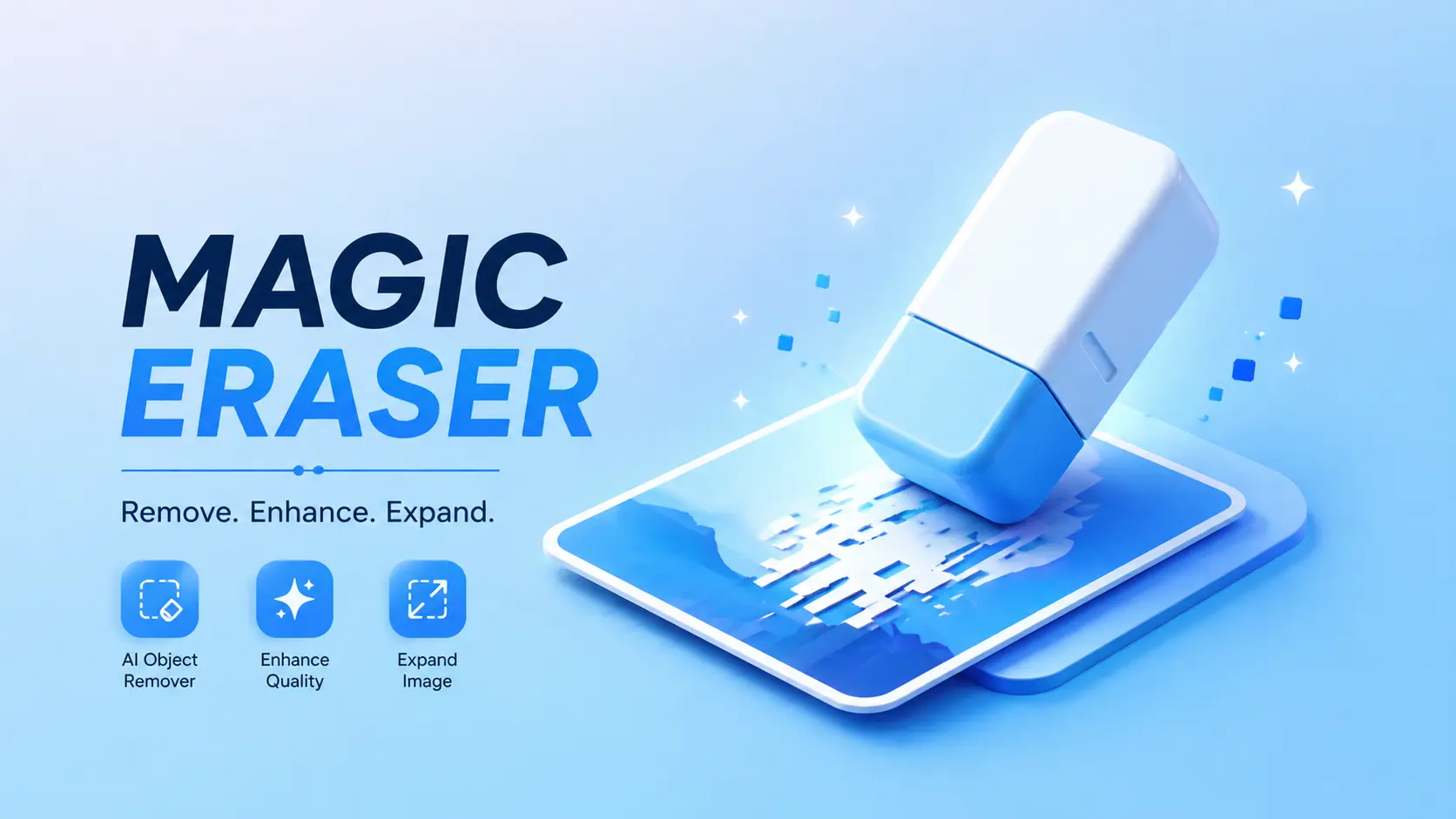
In today’s social media world, a perfect photo matters more than ever. Whether you’re posting on Instagram, creating content, or just saving memories, one small unwanted object can ruin an otherwise great picture.
Maybe it’s a stranger in the background, an unwanted wire, or something distracting in the frame.
That’s where AI-powered tools like Magic Eraser come in.
This powerful Android app allows you to remove unwanted objects, enhance image quality, and even expand your photos using advanced artificial intelligence—all in just a few taps.
What Is Magic Eraser?
Magic Eraser is an AI-based photo editing app designed to help users clean up and improve their images effortlessly.
Instead of manually editing with complex tools, the app automatically detects and removes unwanted objects while keeping the image natural.
It’s perfect for beginners as well as content creators who want quick and professional-looking results.
Key Features of Magic Eraser
✨ 1. AI Object Removal
The main highlight of the app is its ability to remove objects intelligently.
You simply select the unwanted area, and the AI fills the background naturally—no editing skills required.
🧠 2. Smart Background Fill
After removing an object, the app automatically reconstructs the background so it looks clean and realistic.
This makes your photo look untouched and professional.
📸 3. Image Enhancement
Magic Eraser can also improve photo quality by sharpening details, adjusting brightness, and enhancing overall clarity.
🌌 4. AI Image Expansion
One of the most advanced features is image expansion.
You can extend your photo beyond its original borders, and the AI will generate new background areas that match perfectly.
⚡ 5. Fast & Easy to Use
The interface is simple and beginner-friendly. Most edits take just a few seconds.
Why Use Magic Eraser?
There are many editing apps available, but Magic Eraser stands out because of its simplicity and AI power.
- Removes unwanted objects instantly
- Saves time compared to manual editing
- No professional skills needed
- Produces clean and natural results
- Perfect for social media content
How to Use Magic Eraser (Step-by-Step)
Using the app is very straightforward:
- Download the app from the Google Play Store
- Open it and select the photo you want to edit
- Highlight the object you want to remove
- Tap the erase/remove button
- Let AI process the image
- Save your final edited photo
That’s it—your image is now clean and polished.
Pros and Benefits
- Beginner-friendly interface
- Fast AI processing
- Multiple editing tools in one app
- Great for creators and casual users
- Saves editing time
Things to Keep in Mind
While the app works great, results may vary depending on the image complexity.
For best results:
- Use clear images
- Avoid very crowded backgrounds
- Apply edits carefully
Who Should Use This App?
Magic Eraser is ideal for:
- Social media creators
- Bloggers and influencers
- Photography lovers
- Anyone who wants clean, distraction-free images
- New Car Video Aesthetic Style Image to Video Prompt 2026

- Scan Your Car with Your Phone in Minutes 2026

- Como Fazer a Bateria do Seu Celular Durar Muito Mais 2026

- Top 5 Commercial Vehicles for Small Businesses in India 2026

- Most Famous 80s Image Prompt on Social Media
Final Thoughts
If you’re looking for a simple yet powerful way to improve your photos, Magic Eraser is definitely worth trying.
With features like AI object removal, image enhancement, and background expansion, it turns ordinary photos into professional-looking images without complicated editing.
It’s a great tool for anyone who wants better photos with minimal effort.