Aven
Aven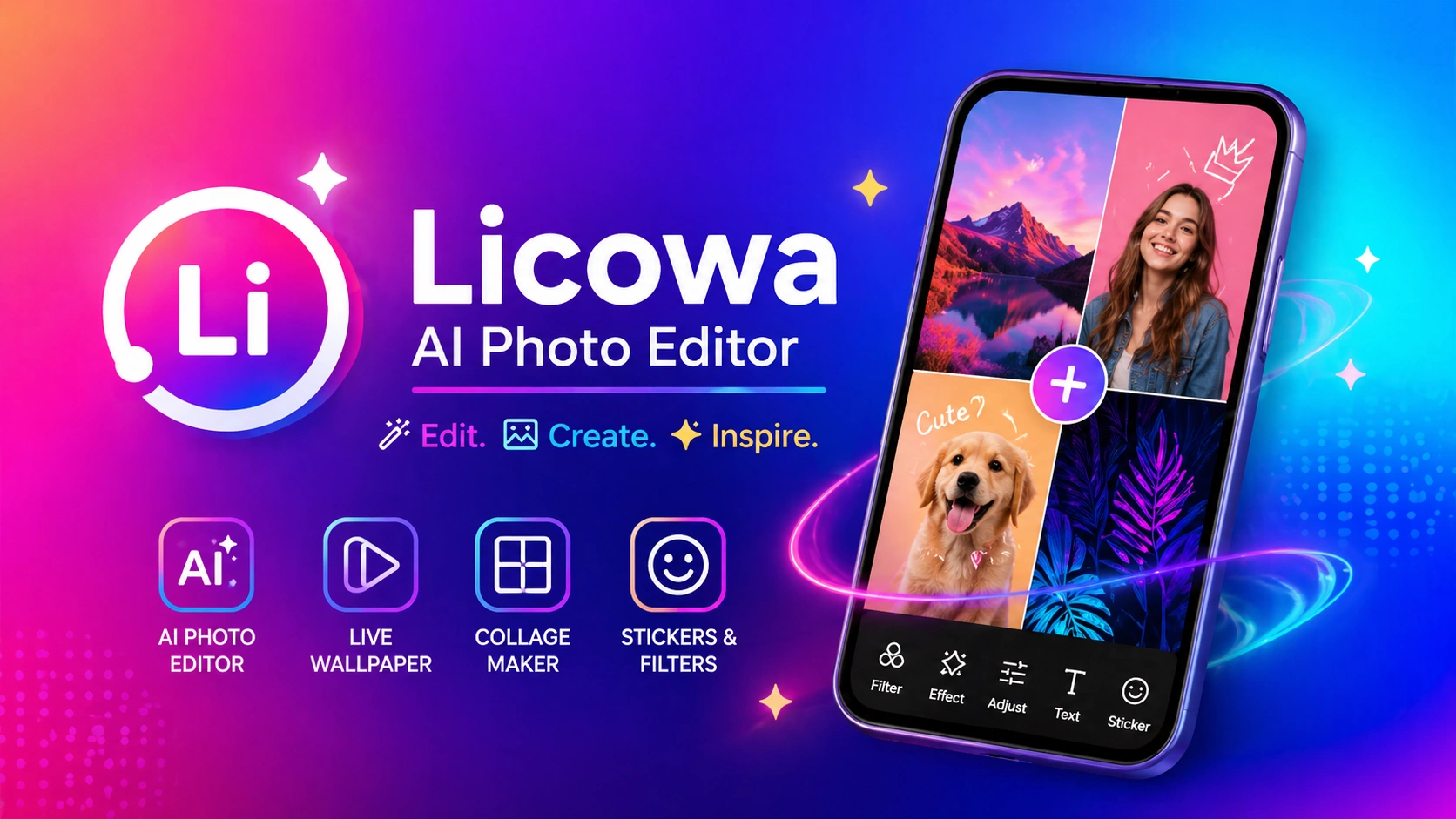
In today’s digital world, smartphones are not just for communication—they’re a creative tool. Whether you’re posting on Instagram, making YouTube Shorts, or sharing moments on WhatsApp, visuals matter more than ever.
That’s why having a powerful yet easy-to-use editing app is essential.
Licowa AI Photo Editor is designed to simplify everything—from AI photo editing to live wallpaper creation and collage design—all in one place.
What Is Licowa AI Photo Editor?
Licowa is an all-in-one Android app that combines multiple creative tools into a single platform.
Instead of installing separate apps for editing, wallpapers, and collages, Licowa lets you do everything in one app.
It includes:
- AI photo editing tools
- Live wallpaper creator
- Collage maker
- Photo booth filters
- Stickers, fonts, and effects
This makes it ideal for users who want quick results without complicated editing.
🤖 AI Photo Editing – Smart & Instant Results
One of the strongest features of Licowa is its AI-powered editing system.
With just one tap, the app can automatically enhance your image by adjusting brightness, colors, and details.
Key AI Features:
- One-tap auto enhancement
- Background blur & removal
- Face smoothing
- Smart color correction
- Light adjustment
Even if your photo has poor lighting, the AI can fix it instantly—no manual editing needed.
🌌 Live Wallpaper – Turn Photos into Motion
Static wallpapers are outdated. Licowa lets you create dynamic live wallpapers using your own images.
Why It Stands Out:
- Create wallpapers from your photos
- Add animation effects
- 3D depth style visuals
- Battery-optimized performance
Unlike many apps, it doesn’t drain your battery quickly, making it suitable for daily use.
🧩 Collage Maker – Perfect for Social Media
Collage posts are trending on platforms like Instagram and Facebook.
Licowa offers 1000+ layouts to help you create eye-catching designs.
Collage Features:
- Multi-photo grid layouts
- Custom borders and spacing
- Text and font options
- Shadow and styling effects
You can easily combine multiple photos into a single creative post.
🎭 Photo Booth – Fun Filters & Effects
Licowa also includes a fun Photo Booth feature with creative filters.
You can transform your photos using:
- Cartoon effects
- Vintage filters
- Neon glow styles
- Black & white artistic looks
- Festival-themed filters
These effects make your photos more engaging and unique.
📲 How to Use Licowa (Step-by-Step)
Using the app is simple and beginner-friendly:
- Download the app from the Play Store
- Open it and allow required permissions
- Choose a feature (Edit / Collage / Wallpaper)
- Select your photo
- Apply AI tools or manual effects
- Save or set as wallpaper
Everything is designed for quick and easy use.
⚡ Performance & Speed
Licowa is optimized to run smoothly on most Android devices.
- Fast loading speed
- Minimal lag
- Works on mid-range phones (3GB–4GB RAM)
Even older devices can handle basic features without issues.
🔒 Security & Privacy
Privacy is important when using editing apps.
Licowa generally requires only essential permissions like:
- Storage access
- Camera access
If most processing happens locally, your data remains safer.
Still, always check app reviews before installing.
⚖️ Comparison With Other Apps
Popular apps like:
- PicsArt
- Snapseed
- Canva
are widely used, but Licowa stands out by combining multiple features in one place.
Instead of switching between apps, you get:
✔ AI Editing
✔ Live Wallpaper
✔ Collage Maker
✔ Filters & Effects
All in a single app—and many features are free.
🎯 Who Should Use This App?
Licowa is ideal for:
- Social media creators
- YouTubers & bloggers
- Students
- Casual Android users
- Anyone who enjoys photo editing
If you want fast and creative results, this app is a great choice.
✅ Pros & Cons
✔ Advantages
- AI-powered editing
- 1000+ collage layouts
- Custom live wallpapers
- Beginner-friendly interface
- Free features available
❌ Limitations
- Ads in some sections
- Slight lag on very old devices
🏁 Final Verdict
Licowa AI Photo Editor is a powerful all-in-one app that simplifies creativity.
From editing photos to creating live wallpapers and collages, it covers everything in a single platform.
If you’re looking for a free, easy-to-use, and feature-rich app, Licowa is definitely worth trying.